


Best Gaming Monitors for PS5 & PS5 Pro in Pakistan (2026 Guide)
Looking to upgrade from a TV to the best gaming monitors for PS5 or PS5 Pro in Pakistan? Here’s a simple, local guide using monitors you can actually buy from EEZEPC right now.
Short answer:
- Want the best 4K OLED experience? Go for MSI MAG 272UP QD-OLED X24 or ASUS ROG Swift OLED PG27UCDM.
- Want something great but cheaper? Check ASUS ROG Strix XG27UCS.
- e-Sports / shooters main focus? Look at the new BenQ Zowie & Mobiuz monitors on EEZEPC’s BenQ gaming monitor category.
- Budget but still 120Hz for PS5? ASUS VG279QE5A 27″ 146Hz is a solid entry point.
What a “best gaming monitor for PS5 / PS5 Pro” actually means
If you’re hunting for the best gaming monitors for PS5, it helps to understand what the console can really do and which specs actually matter in Pakistan-sized rooms and desks.
Before we jump into models, two quick realities:
- PS5 / PS5 Pro can output up to 4K 120 FPS on displays that support HDMI 2.1 and the right refresh rates. On older HDMI 2.0 displays, you’ll usually get 4K 60 FPS but can still hit 120 FPS at lower resolutions like 1080p or 1440p.
- Not every game runs at 120 FPS. Many cinematic titles run at 30–60 FPS but still look far better on a good panel with strong HDR and contrast.
So for a PlayStation 5 or PlayStation 5 Pro monitor in 2026, you mostly want:
- HDMI 2.1 ports with support for 4K 120 Hz (or at least 120 Hz at 1080p / 1440p).
- Low response time (1 ms class or better) and support for VRR / Adaptive-Sync where possible.
- Good HDR (ideally OLED or at least strong local dimming / contrast).
- Size that fits your setup — 27″ is usually a sweet spot on a desk in Pakistani apartments and rooms.
If you’re more of a “sit back and play story games” person, you’ll appreciate 4K + OLED / strong HDR.
If you grind Warzone or other shooters, motion clarity and refresh rate matter more than just pixels.
Top picks from EEZEPC (2026)
All the monitors below are listed on EEZEPC’s LED Monitors category, which includes ASUS, MSI, BenQ and more — so every option here is an actual, buyable choice if you want one of the best gaming monitors for PS5 in Pakistan.
| Monitor | Best for | Resolution & refresh | Why it works with PS5 / PS5 Pro |
|---|---|---|---|
| MSI MAG 272UP QD-OLED X24 Best overall 4K OLED |
4K HDR single-player + smooth competitive play | 4K (3840×2160) @ 240 Hz (PC) | HDMI 2.1 with console mode for 1080p / 1440p / 4K at 60 & 120 Hz, plus VRR support. |
| ASUS ROG Swift OLED PG27UCDM Flagship choice |
Premium 4K OLED for PS5 + PC | 4K @ 240 Hz (PC) | One of the most recommended monitors globally for PS5, with a 27″ 4K QD-OLED panel and HDMI 2.1. |
| ASUS ROG Strix XG27UCS Value 4K pick |
Affordable 4K, mixed gaming & work | 4K @ up to 144 Hz | 27″ 4K IPS with HDMI 2.1, 1 ms MPRT and modern features without OLED pricing. |
| MSI MAG 272QP QD-OLED X50 eSports + PS5 hybrid |
Competitive play + PC eSports | 1440p @ up to 500 Hz (PC) | Console mode supports 1080p/1440p at 60 & 120 Hz with VRR for PS5 / PS5 Pro. |
| ASUS VG279QE5A 27″ 146Hz Budget 120 Hz |
Starter 120 Hz monitor | 1080p @ 120 Hz | Simple IPS panel with 120 Hz refresh, a big upgrade over a basic 60 Hz TV. |
| BenQ Zowie & Mobiuz series Hardcore eSports & immersive gaming |
Competitive shooters and fast-paced console games | 1080p / 1440p / 4K @ high refresh rates (model-dependent) | New BenQ Mobiuz and Zowie XL monitors offer console-friendly 120 Hz modes plus very high refresh for PC. |
1. MSI MAG 272UP QD-OLED X24 — the “do-everything” PS5 monitor
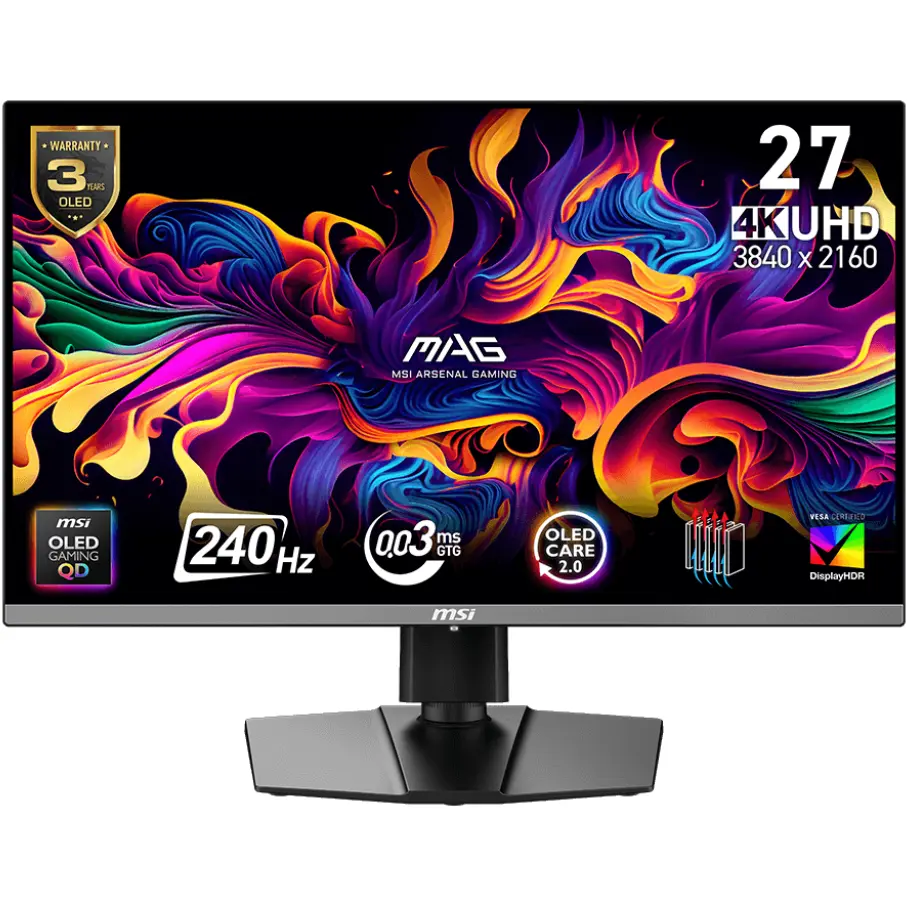
If you want one monitor that looks amazing with story games, handles PS5 / PS5 Pro 4K nicely, and still works as a high-end PC display, this is the sweet spot.
MSI MAG 272UP QD-OLED X24 uses a modern QD-OLED panel with 4K resolution, very fast response time and strong HDR.
On PlayStation 5 and PlayStation 5 Pro, the console mode lets you run:
- 1080p at 60 or 120 Hz
- 1440p at 60 or 120 Hz
- 4K at 60 or 120 Hz
It also supports VRR over HDMI 2.1, which helps smooth out frame-rate drops in demanding titles. You basically get the “next-gen TV” feel in a 27″ desk-friendly size without dealing with massive 55″ panels.
Who should buy this from EEZEPC?
You want premium OLED blacks and colours, you play both cinematic and competitive games, and you’re okay paying a bit extra once rather than upgrading again in a year.
2. ASUS ROG Swift OLED PG27UCDM — global favourite, now in Pakistan
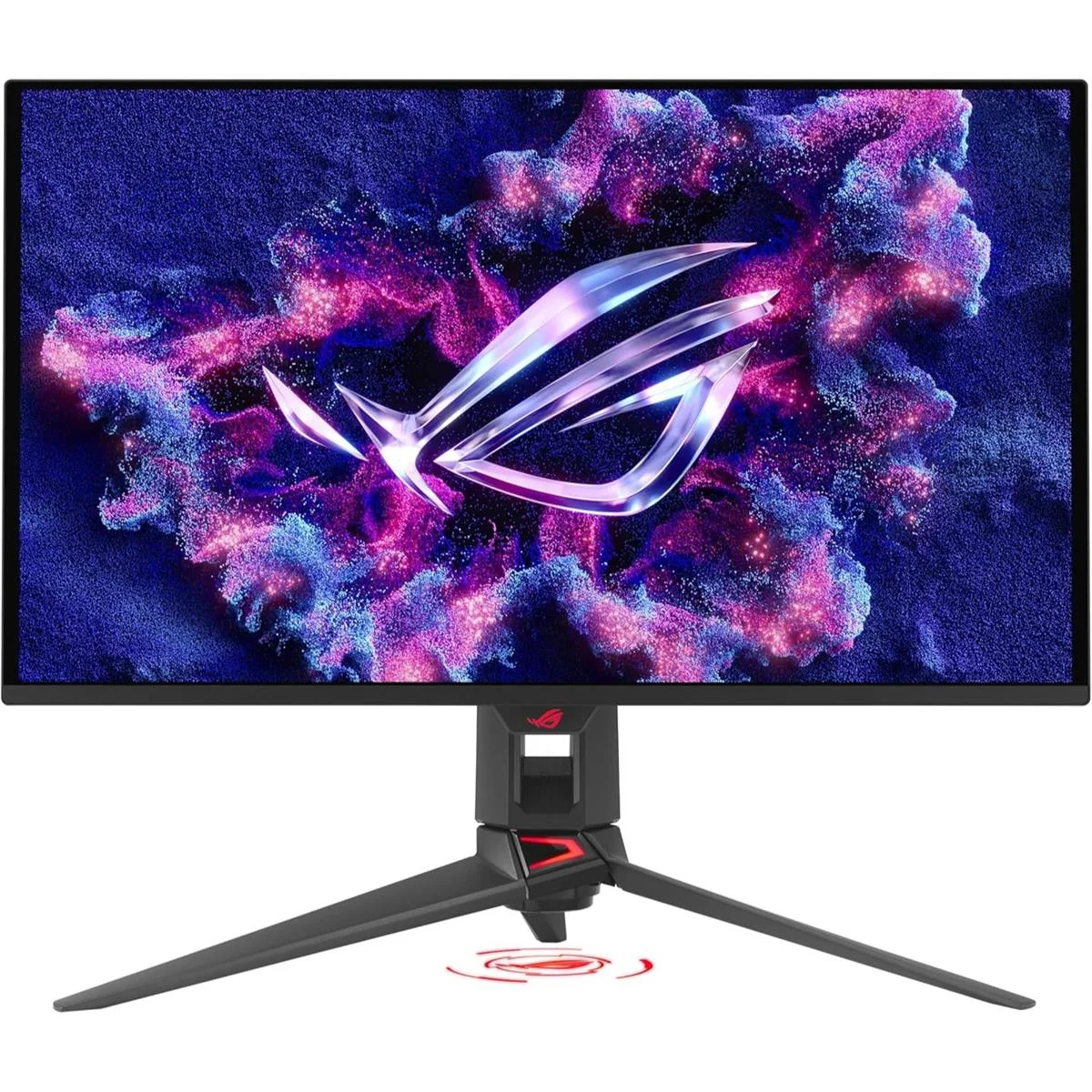
Internationally, the ASUS ROG Swift OLED PG27UCDM is one of the most recommended gaming monitors for PlayStation 5 and PS5 Pro thanks to its 27″ 4K QD-OLED panel, 240 Hz refresh rate, near-instant response times and excellent HDR.
The good news: EEZEPC sells the same ASUS ROG Swift OLED PG27UCDM in Pakistan, with all the key specs you see in global reviews.
Why it’s amazing for PlayStation 5 / PS5 Pro:
-
- Full support for 4K 120 Hz console gaming over HDMI 2.1.
- True OLED contrast with deep blacks — dark scenes in games like Spider-Man 2 or The Last of Us look dramatically better.
- 27″ size suits Pakistani desks: big enough for immersion, small enough for apartments / bedrooms.
Who should buy this?
If you’re okay spending “flagship” money and want something that’s proven internationally and available locally with official warranty, this is the top-shelf PS5 / PS5 Pro monitor at EEZEPC.
3. ASUS ROG Strix XG27UCS — 4K value pick with USB-C
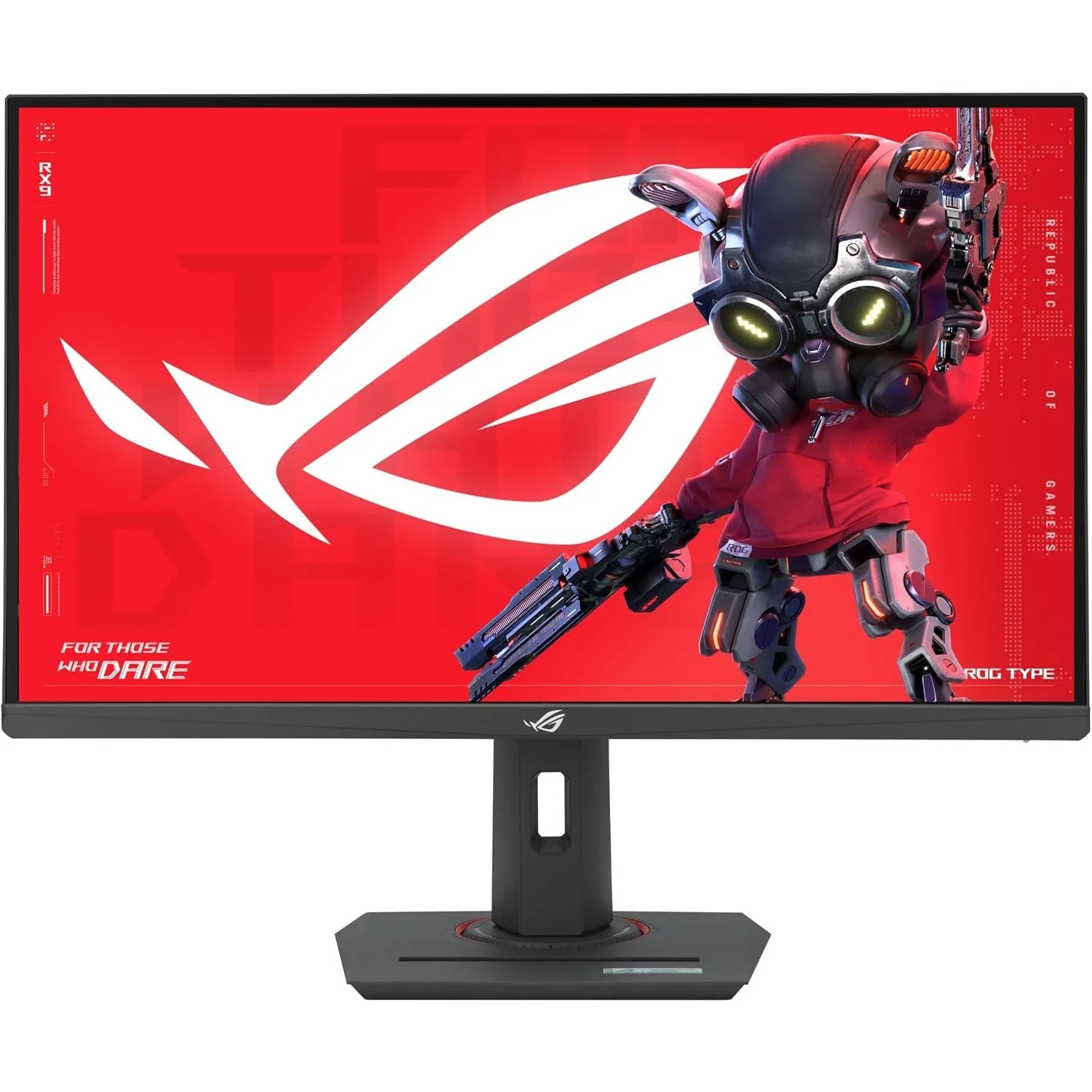
If you want 4K clarity and a modern feature set but don’t want to jump straight to OLED pricing, ASUS ROG Strix XG27UCS sits in a really comfortable “sweet spot”.
On PlayStation 5 and PS5 Pro, you get:
- 4K output with up to 120 Hz over HDMI 2.1 for supported games and performance modes.
- A sharp 27″ 4K panel that makes text, UI and game detail look clean when you sit close.
- Fast response and VRR support (via Adaptive-Sync) to keep motion smooth and reduce tearing.
Because it also includes USB-C display input, it doubles nicely as:
- A work and entertainment screen for USB-C laptops.
- A single-monitor setup for PS5, PC and notebook on the same desk.
Who should buy this from EEZEPC?
If you want a proper 27″ 4K gaming monitor for PS5 / PS5 Pro that also works great for productivity and PC gaming — and you want it cheaper than the OLED options — this is the one to look at first.
4. MSI MAG 272QP QD-OLED X50 — for eSports and PS5 (and bragging rights)
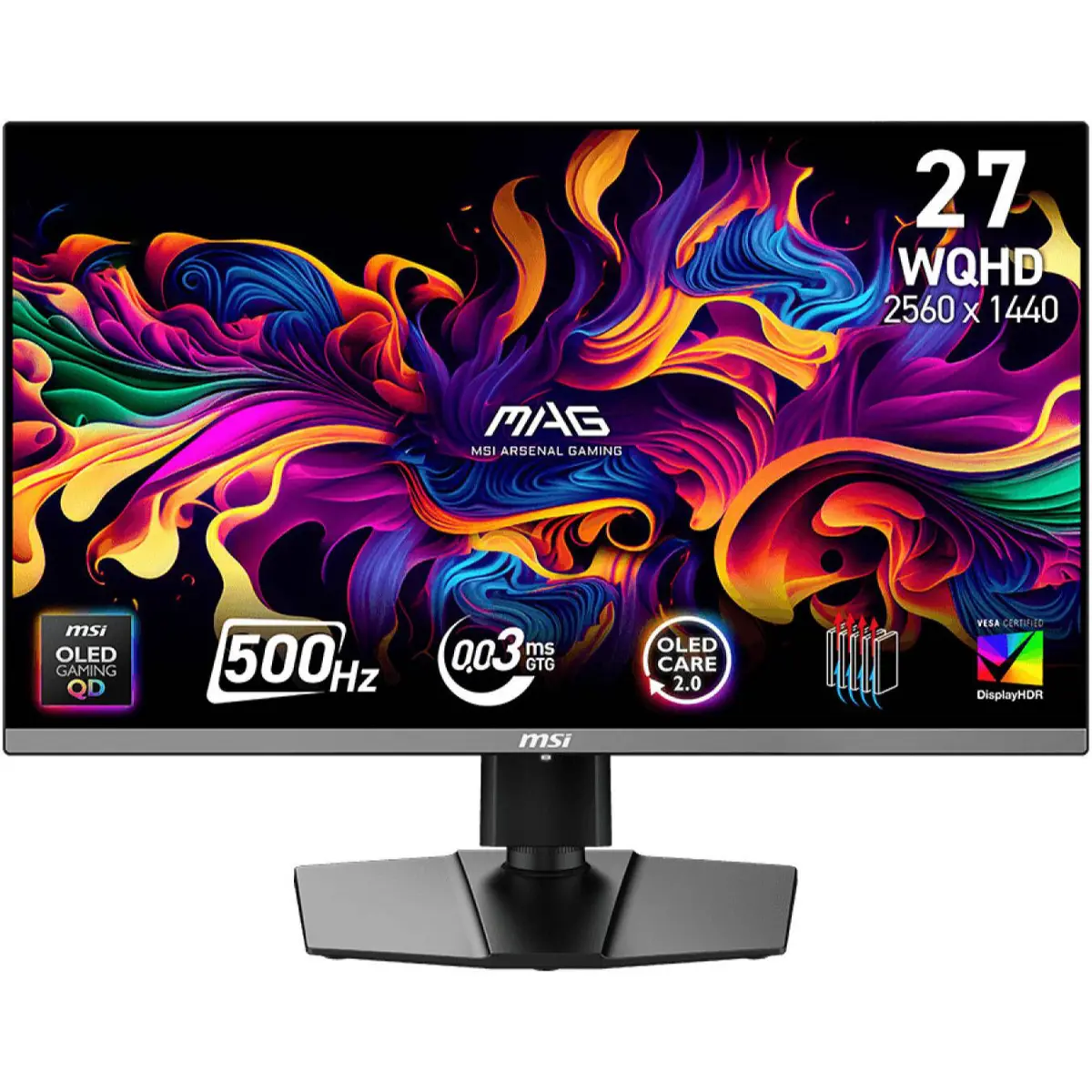
MSI MAG 272QP QD-OLED X50 is a bit of a monster: 1440p QD-OLED with up to 500 Hz on PC.
On PS5 / PS5 Pro you won’t hit 500 Hz (consoles simply don’t output that), but the monitor still supports:
- 1080p at 60 / 120 Hz
- 1440p at 60 / 120 Hz
- VRR over HDMI for smoother gameplay
So you’re basically buying a monitor that:
- Is overkill (in a good way) for PC eSports with 500 Hz.
- Still works beautifully with PlayStation 5 and PS5 Pro at 120 Hz.
- Gives OLED contrast, fast response and excellent HDR.
If you game on both PC and console, this one from EEZEPC is very easy to justify: one screen for Valorant try-harding and PS5 chill sessions.
5. ASUS VG279QE5A — straightforward 120 Hz upgrade for PS5
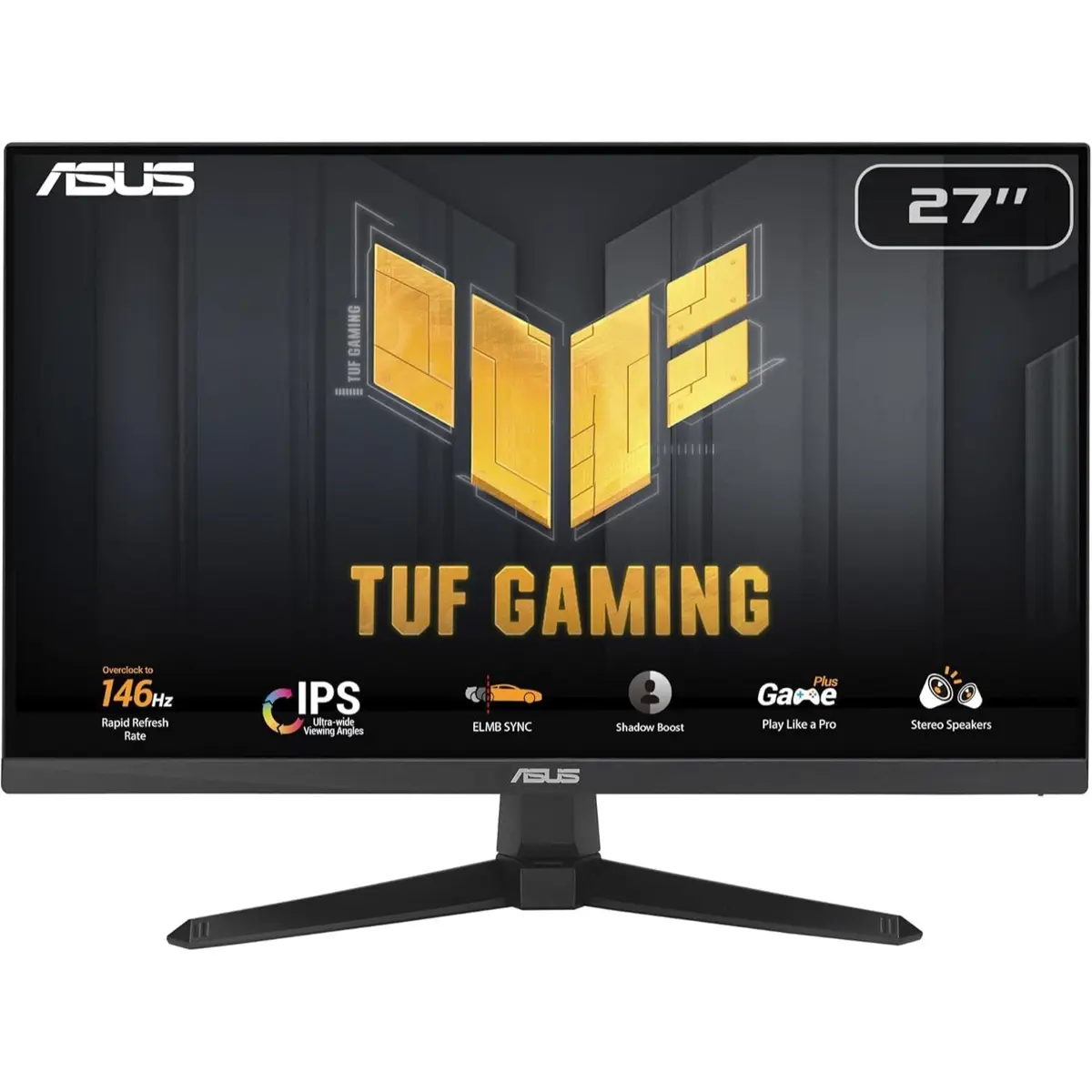
If you’re currently using a basic 60 Hz TV or office monitor and just want something smoother for PS5 without diving into QD-OLED pricing, ASUS VG279QE5A 27″ FHD 146Hz is a clean option.
You get:
- 1080p resolution — easier to drive and perfectly fine at 27″ from console distance.
- 120 Hz refresh rate, ideal for performance mode in many PS5 and PS5 Pro games.
- IPS panel for better colours and viewing angles, good for shared couch gaming in a room.
If you’re building a budget PlayStation 5 or PS5 Pro setup and you just want “smoother than my TV” plus a proper desk monitor, this is a smart pick.
6. BenQ Zowie & Mobiuz on EEZEPC — for serious competitive players
EEZEPC also carries a full range of BenQ gaming monitors, including both Zowie eSports panels and Mobiuz entertainment models.
Some key BenQ options for PS5 / PS5 Pro:
- BenQ Mobiuz EX251 220Hz — compact high-refresh 1080p monitor, great if you sit close and want fast response for shooters and racing games.
- BenQ Mobiuz EX271Q 180Hz — 27″ QHD high-refresh option, a nice balance between sharpness and performance for PS5 and PS5 Pro performance modes.
- BenQ Mobiuz EX2710U 144Hz IPS — 27″ 4K 144Hz IPS, excellent for players who want 4K detail with good HDR and a fast panel.
- BenQ Zowie XL2566X 400Hz — 24.5″ 1080p eSports monitor built for extreme motion clarity and low input lag; supports 120 Hz on PS5 plus much higher refresh on PC.
- BenQ Zowie XL2586X 600Hz — one of the fastest gaming monitors in the world, designed for pro-level FPS play. Overkill in a fun way for PC, still excellent at 120 Hz on PlayStation 5 and PS5 Pro.
- BenQ Zowie XL2546X 280Hz — another strong XL-series option with DyAc blur reduction, focused on smooth tracking of fast motion in competitive titles.
Who should look at Zowie & Mobiuz on EEZEPC?
- If you mainly play shooters and care more about seeing enemies clearly than having 4K.
- If your PS5 or PS5 Pro lives on the same desk as a high-FPS gaming PC.
- If you like the “tournament” style setup with fast TN/IPS panels and minimal distraction.
How to choose the right one (quick scenarios)
Scenario 1: “I just bought a PS5 / PS5 Pro and want a proper 4K setup”
Go for a 4K OLED if budget allows:
- Best image quality: ASUS ROG Swift OLED PG27UCDM
- Similar quality, slightly better value: MSI MAG 272UP QD-OLED X24
Scenario 2: “I want 4K but I’m watching my budget”
Pick ASUS ROG Strix XG27UCS. You still get 4K, high refresh and HDMI 2.1, but without paying OLED prices.
Scenario 3: “I play a lot of online shooters and also have a PC”
Two strong directions:
- eSports OLED hybrid: MSI MAG 272QP QD-OLED X50 (500 Hz on PC, 120 Hz + VRR on PS5).
- Classic Zowie eSports: use one of the XL-series options like XL2566X or XL2586X from the BenQ monitors category.
Scenario 4: “I just want 120 Hz on PS5 without going broke”
Start with something like ASUS VG279QE5A 27″ 146Hz from EEZEPC. Then, if you feel the upgrade bug later, step up to 4K or OLED.
Quick PS5 / PS5 Pro FAQ (for monitors)
Does PlayStation 5 need HDMI 2.1?
No, but it’s recommended. Any 4K TV or monitor will support PS5 in 4K, but only displays with HDMI 2.1 features can do up to 4K 120 FPS.
Many HDMI 2.0 monitors can still do 120 Hz at 1080p or 1440p if you tweak settings, but HDMI 2.1 keeps things simple and future-proof. For official details, you can check Sony’s PlayStation 5 display and resolution guide or HDMI.org’s overview of HDMI 2.1.
Is 1440p okay for PS5 / PS5 Pro?
Yes. Both PS5 and PS5 Pro support 1440p output, and monitors like the MSI MAG 272QP QD-OLED X50 are designed to run 1440p 120 Hz over HDMI with VRR.
1440p is an excellent middle ground if you sit close to the screen and care more about refresh rate and clarity than raw 4K resolution.
Is a ZOWIE eSports monitor “wasted” on console?
Not really. You’ll usually be limited to 120 Hz on PlayStation, but you still benefit from Zowie’s low input lag, instant response, blur reduction and eSports-tuned settings.
If you ever add a PC later, you’ll already own a monitor that can handle much higher frame-rates.
Tip: For reliable 4K 120 Hz on PS5 / PS5 Pro, pair your monitor with a good HDMI 2.1 cable. It helps avoid random black screens and handshaking issues.
If you were confused between TVs and monitors, this guide to the best gaming monitors for PS5 in Pakistan should make it easier to pick a display that matches your room, budget and the way you actually play.